Sign in to Clover or Square once — tokens are handled safely and refresh on their own. OpslyIQ starts reading your sales, voids, discounts and refunds, and lines them up with your clock-ins and tips. No rip-and-replace, no new register.
Secure connect
Clover·Square→OpslyIQ
Tokens handled safely · refresh on their own · no new register
02Backward · the reveal
“Here's what the last 60 days actually cost you.”
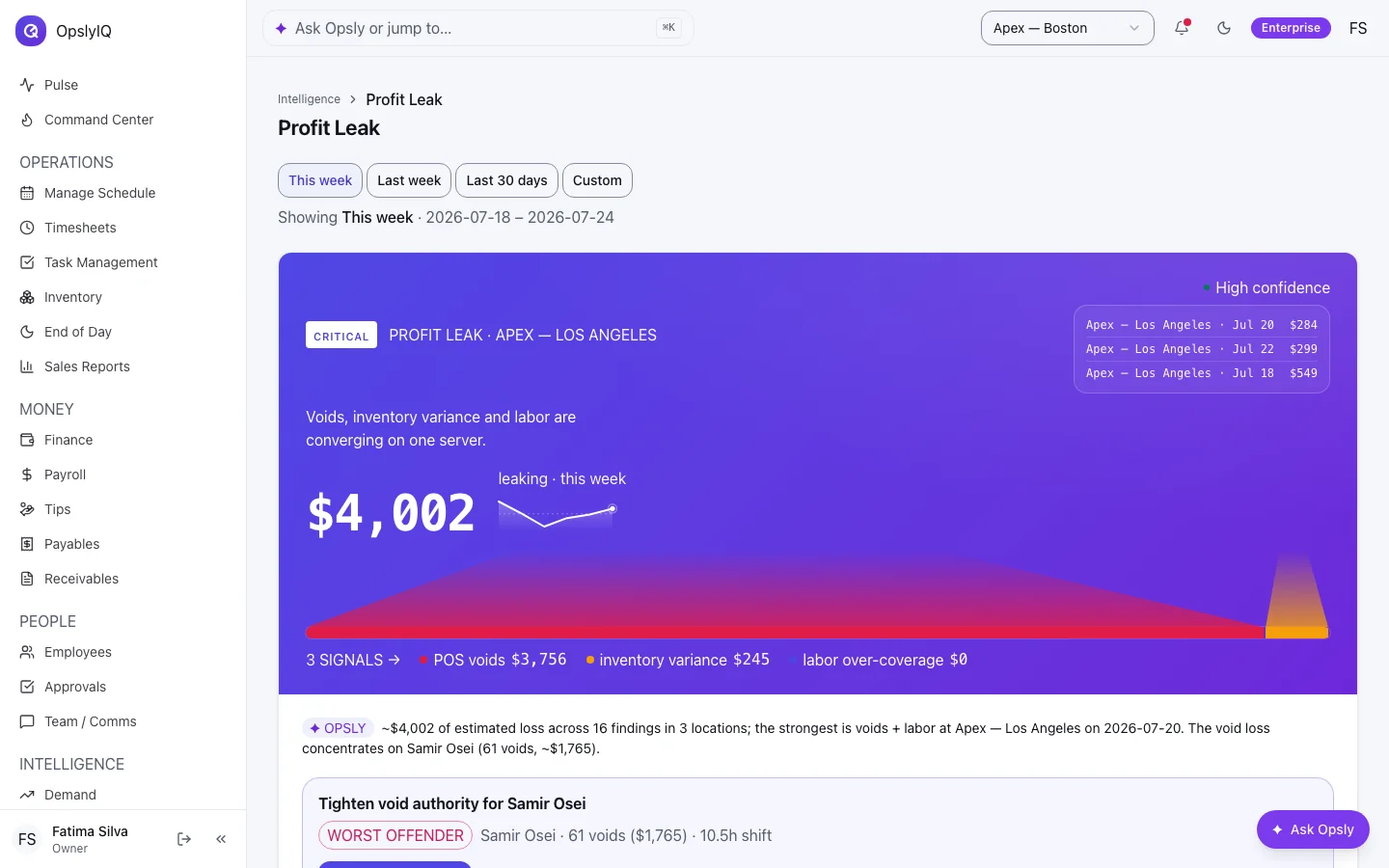
The moment your POS connects, OpslyIQ backfills your recent history and runs the leak analysis over it — real money before you've entered a thing. Too thin to be honest about? It says so instead of inventing a number.
Your real figure is computed from your own POS — it names the shift it happened on.
Profit Leak — voids × inventory × labor, with the dollar amount and whose shift · sample data
03Backward · the skim
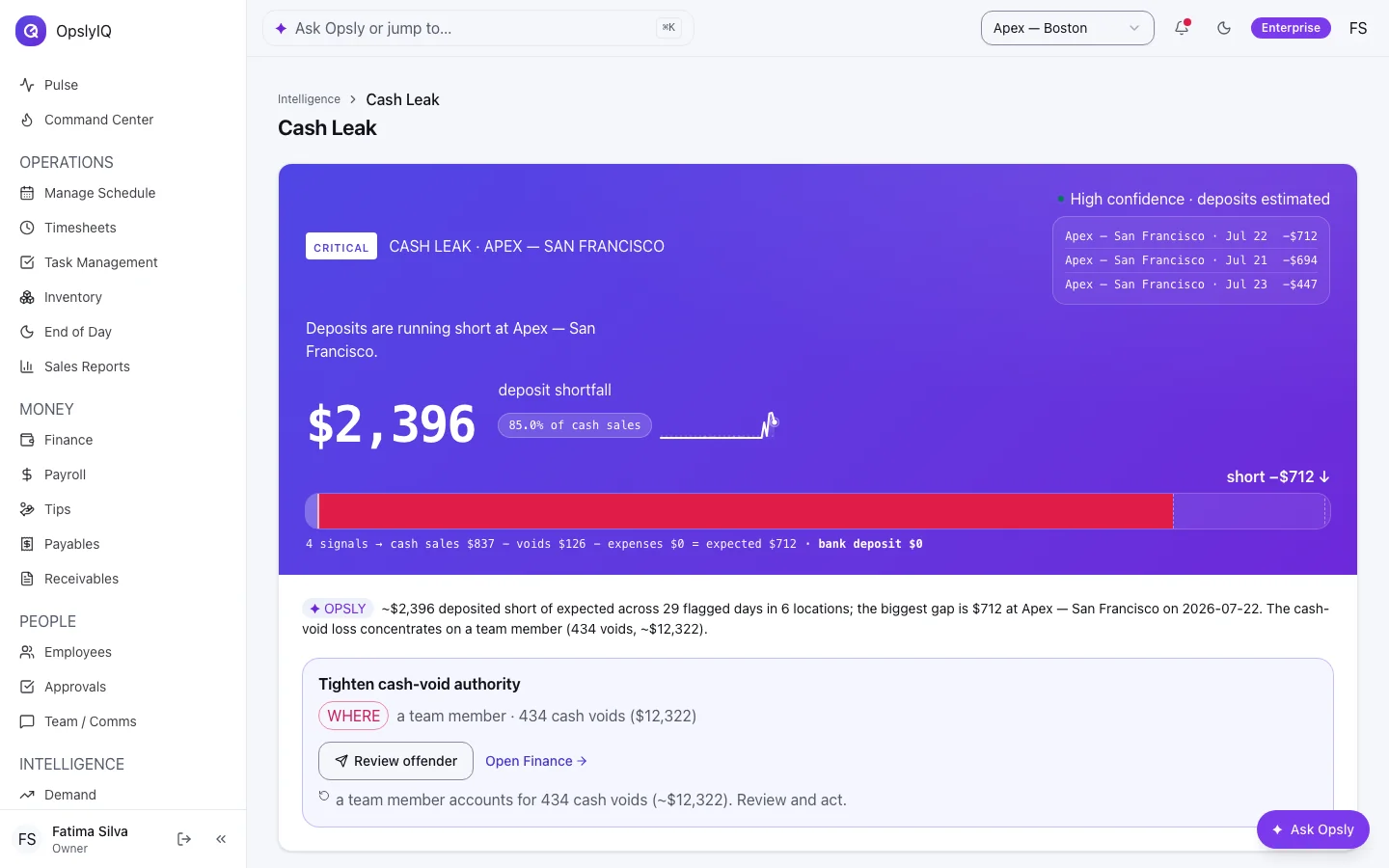
The cash the P&L quietly hides.
OpslyIQ triangulates your bank deposits against POS cash sales, voids and expenses — so a drawer that comes up light on a busy night surfaces as a ranked, evidence-backed flag, never a silent shortfall.
Cash-Leak Triangulation — expected deposit vs what actually landed · sample data
04Live labor
Watch the shift, not the aftermath.
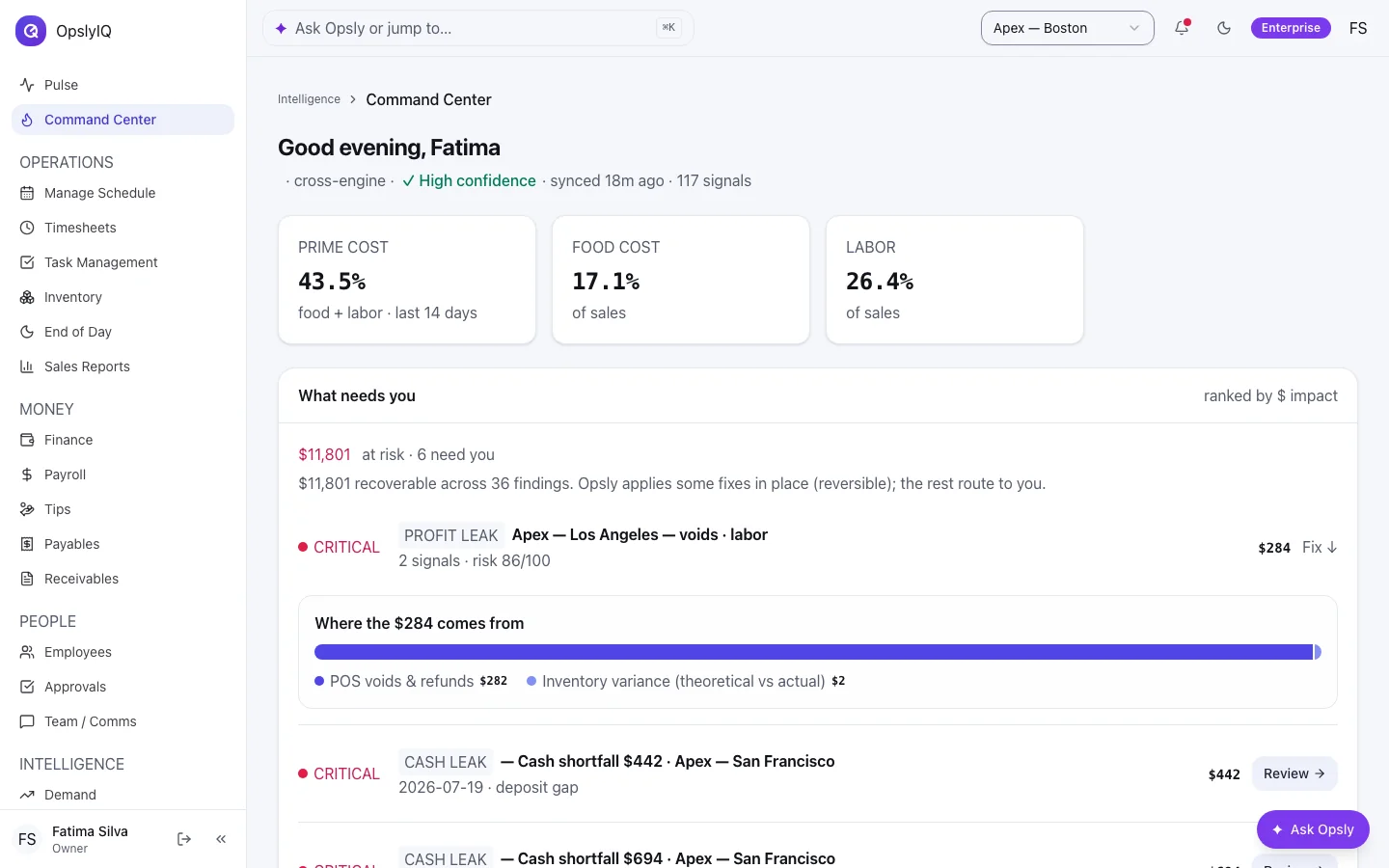
Open any location and see labor cost against sales, live — the loaded number, wages plus the employer payroll taxes you pay on top. When a shift runs hot, the manager hears about it in time to cut, add, or hold.
Loaded = wages + employer Social Security, Medicare, FUTA, SUTA. Payroll figures are OpslyIQ's estimate — confirm with your CPA.
Command Center — fully-loaded labor %, live against sales · sample data
05Forward · demand
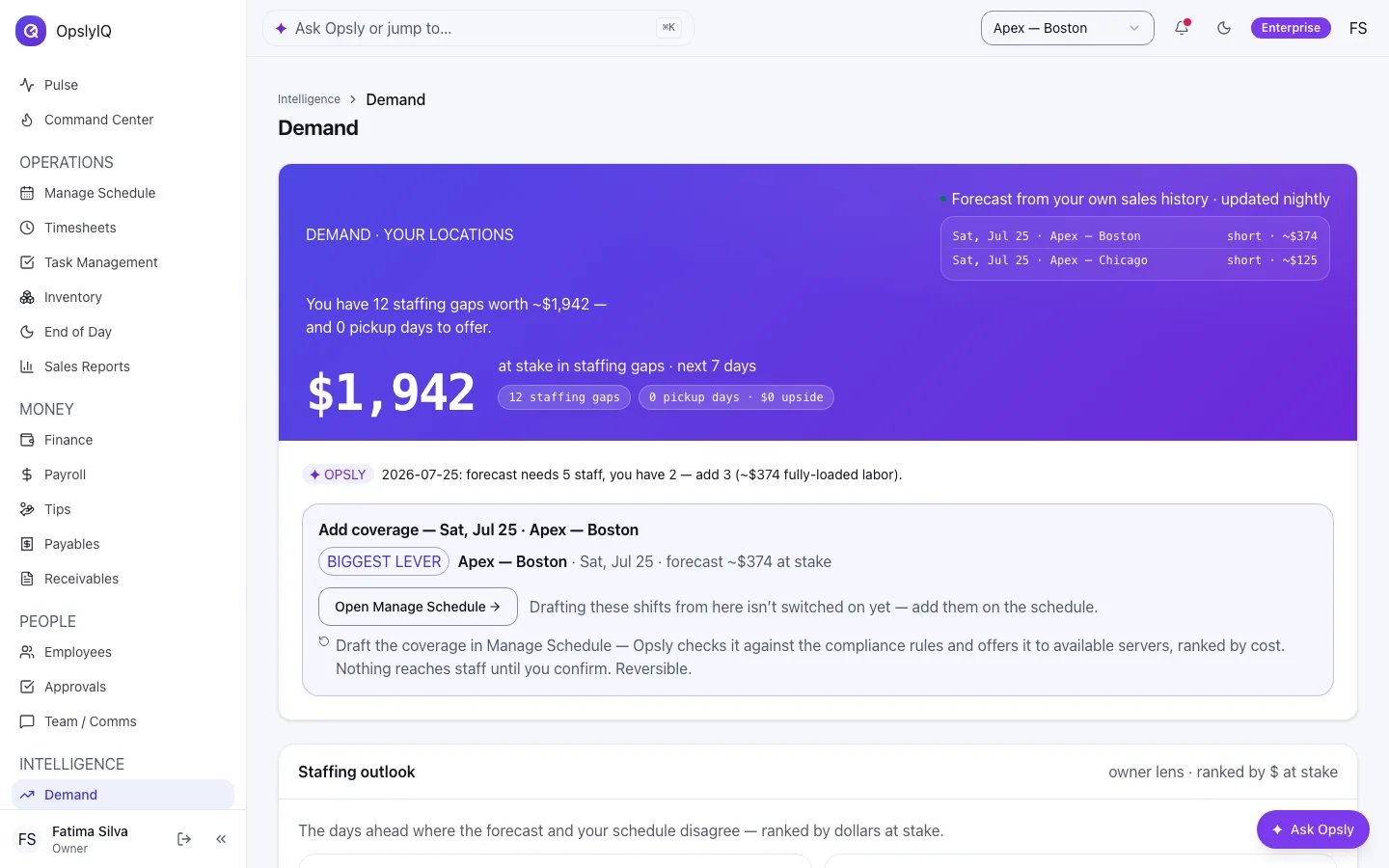
Next Saturday — before it costs you.
The same unified data reads forward: your busy-and-slow patterns plus the events coming up, turned into a plain call — “staff up Saturday, ~$1.4k on the line.” The leak you catch tonight and the rush you staff for next week come from one brain.
Proactive Demand — the staffing call, in dollars, before the day · sample data
06The whole restaurant
One login runs the back office.
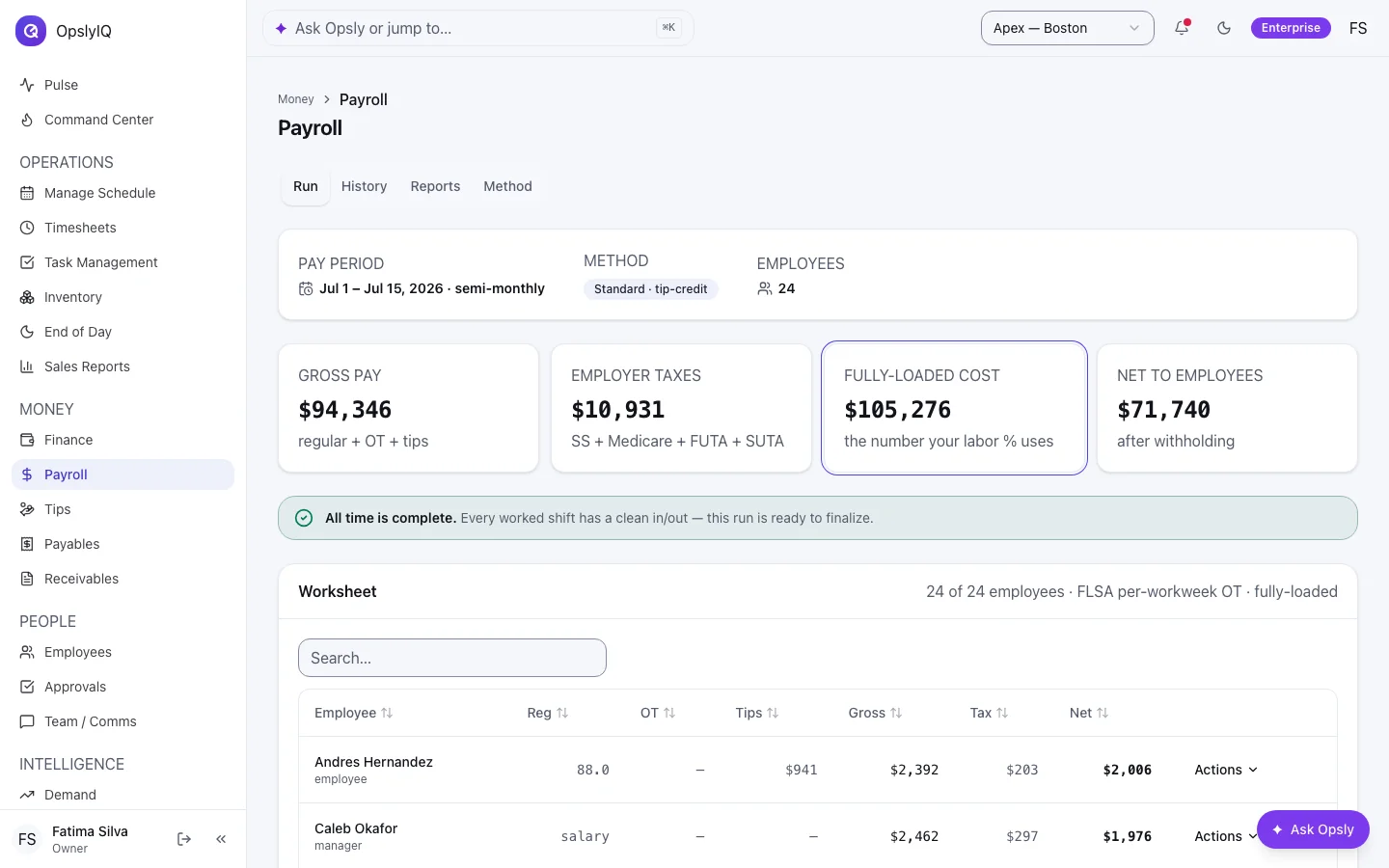
Payroll with a built-in tax calculator, tip pooling, finance and expenses — the boring parts, done right, on the same unified data. No stitching five apps together.
Payroll — built-in tax engine + tip-funded pay, an honest estimate you export · sample data
Secure connect
Clover·Square→OpslyIQ
Tokens handled safely · refresh on their own · no new register
Profit Leak — voids × inventory × labor, with the dollar amount and whose shift · sample data
Cash-Leak Triangulation — expected deposit vs what actually landed · sample data
Command Center — fully-loaded labor %, live against sales · sample data
Proactive Demand — the staffing call, in dollars, before the day · sample data
Payroll — built-in tax engine + tip-funded pay, an honest estimate you export · sample data
// and the whole restaurant runs on it
More than the moat. The back office, unified.
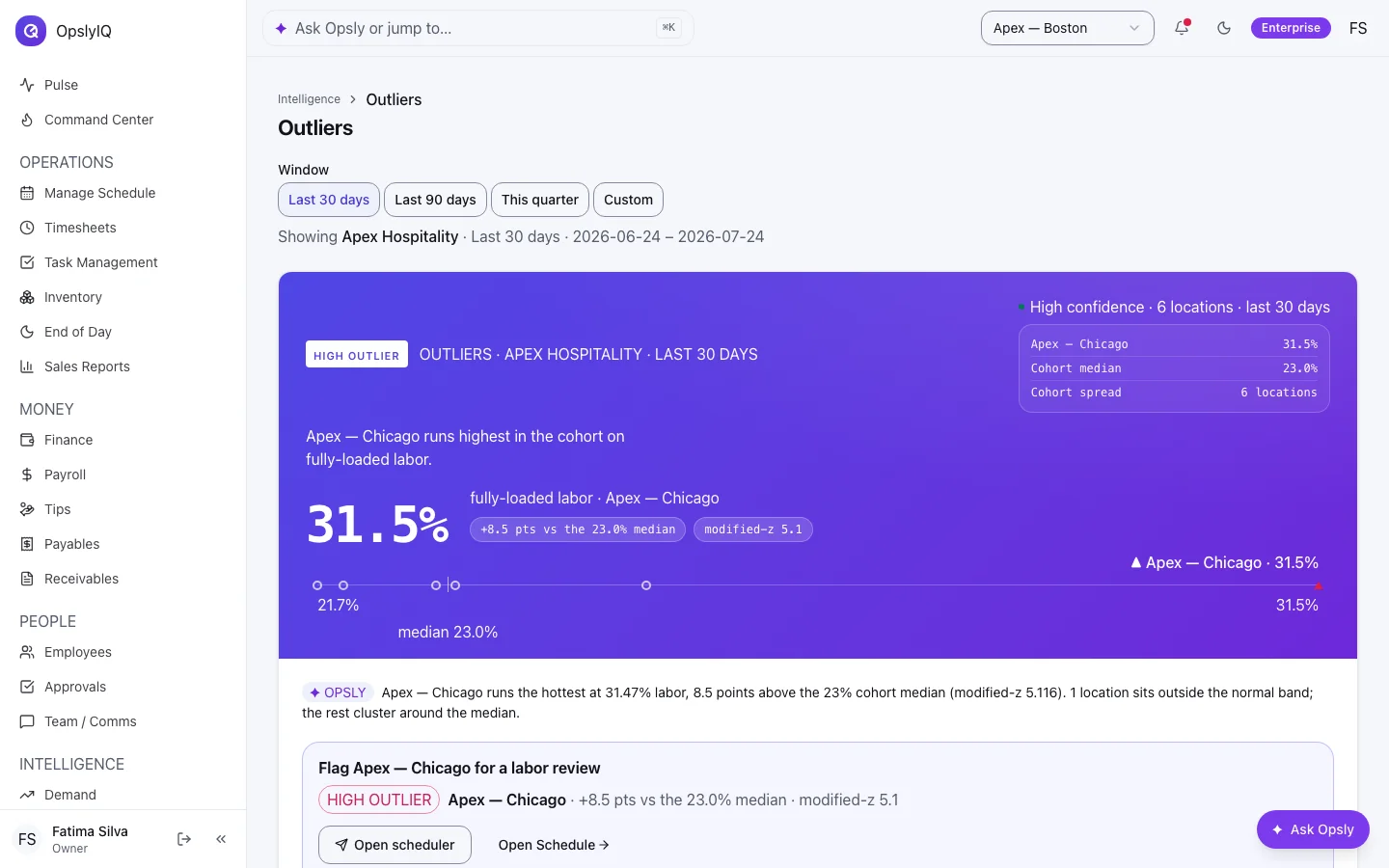
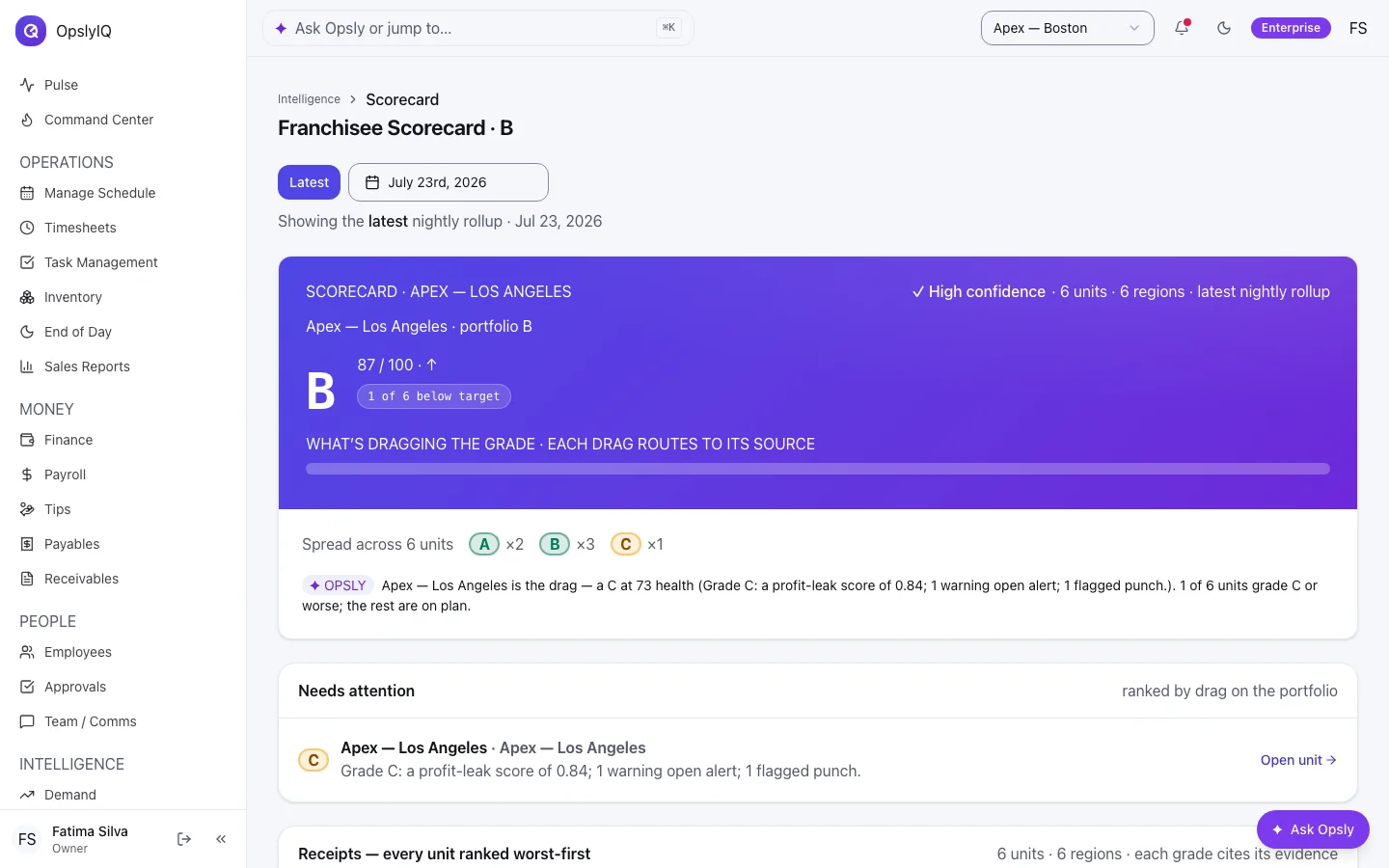
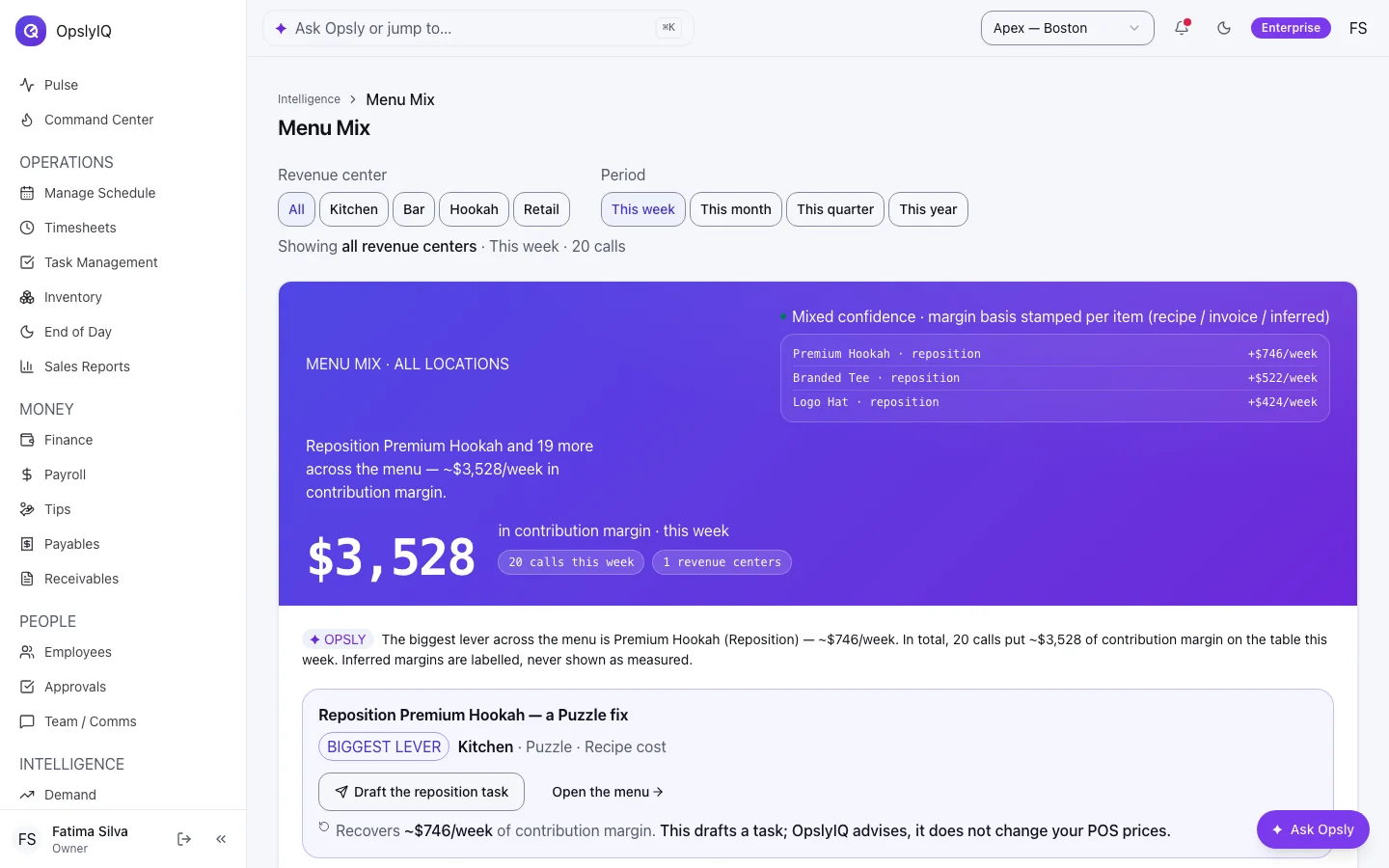
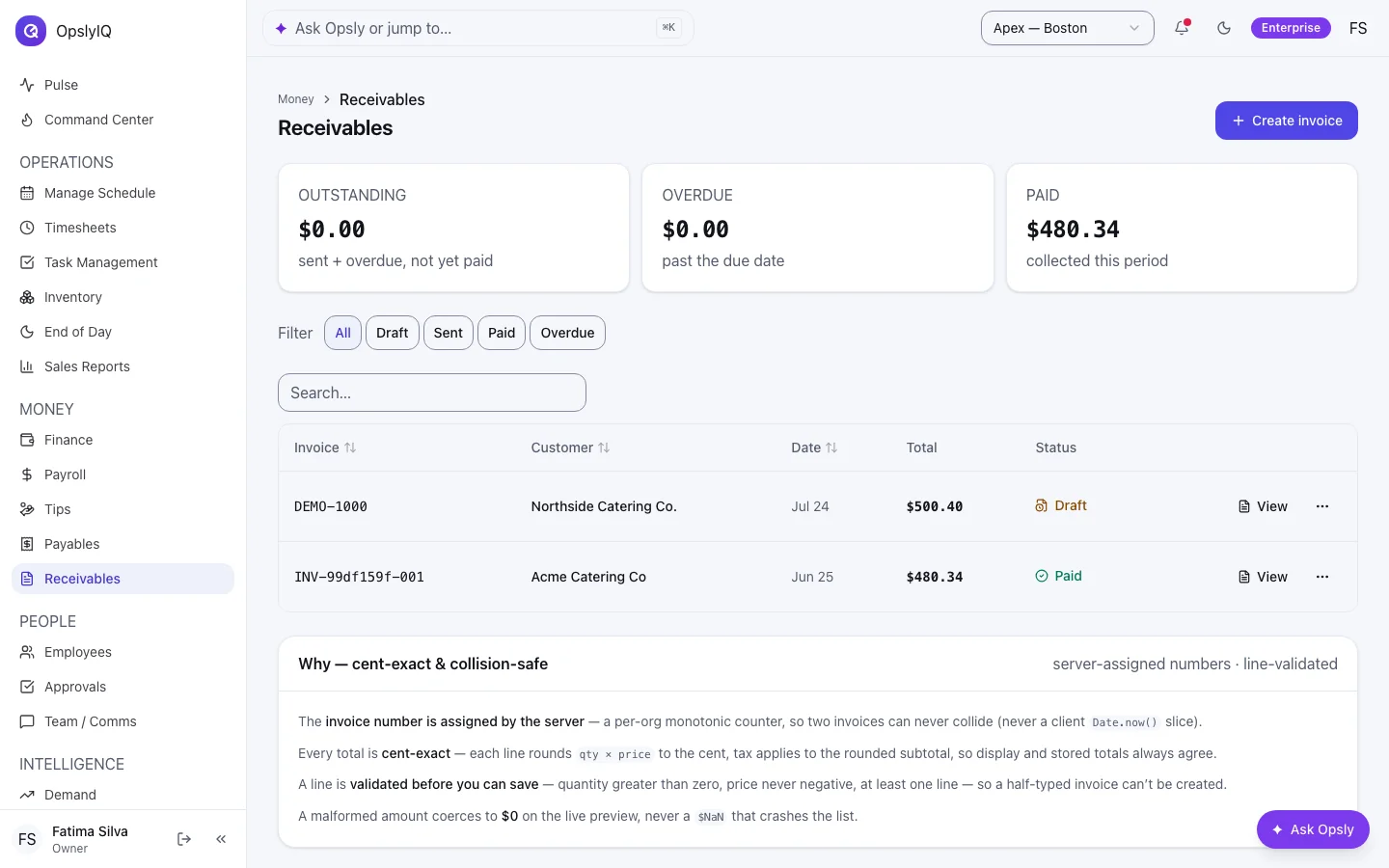
Cross-location outliers — the store that's off, flagged · sample dataFranchisee scorecard — health grade per location · sample dataMenu engineering — stars, dogs, and what to re-price · sample dataReceivables — cent-exact invoices, safe-to-spend · sample data
// the team's half
Your crew gets an app they'll actually open.
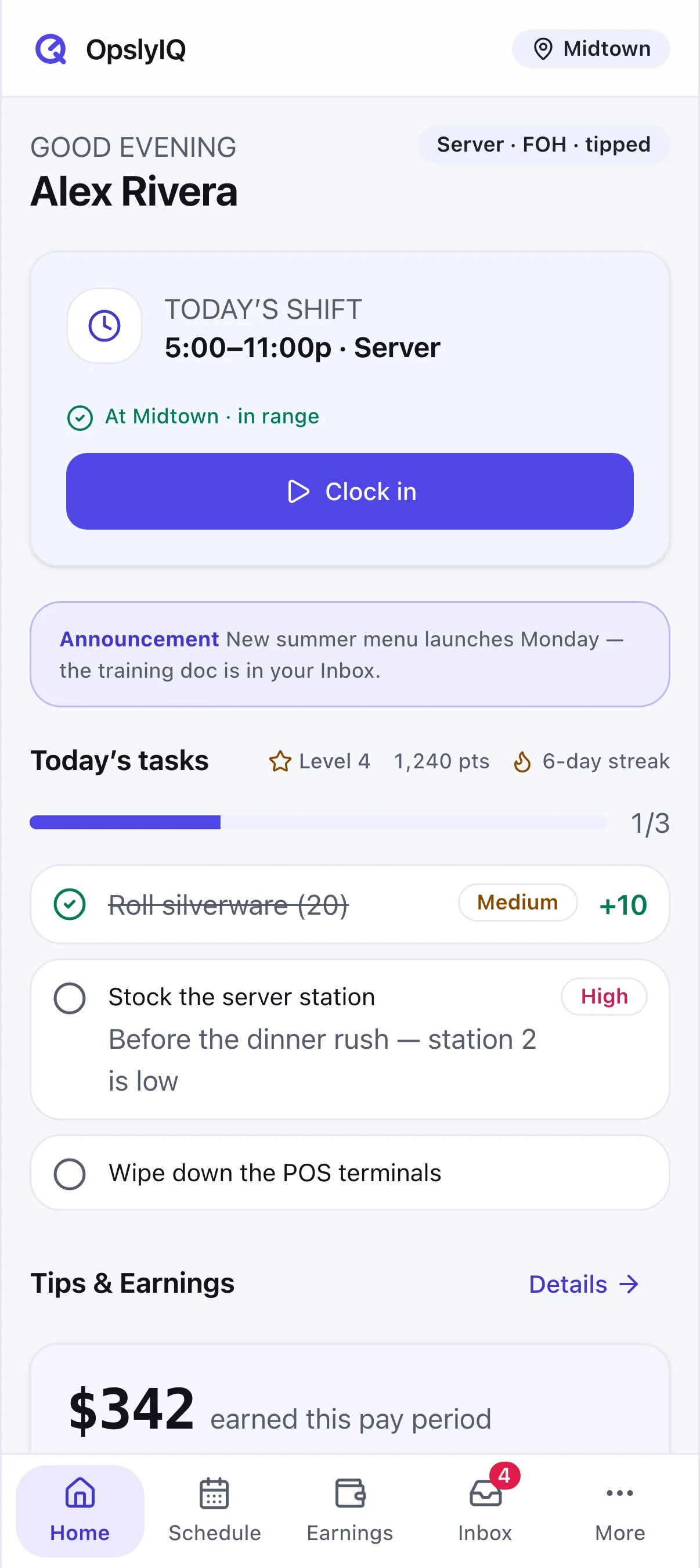
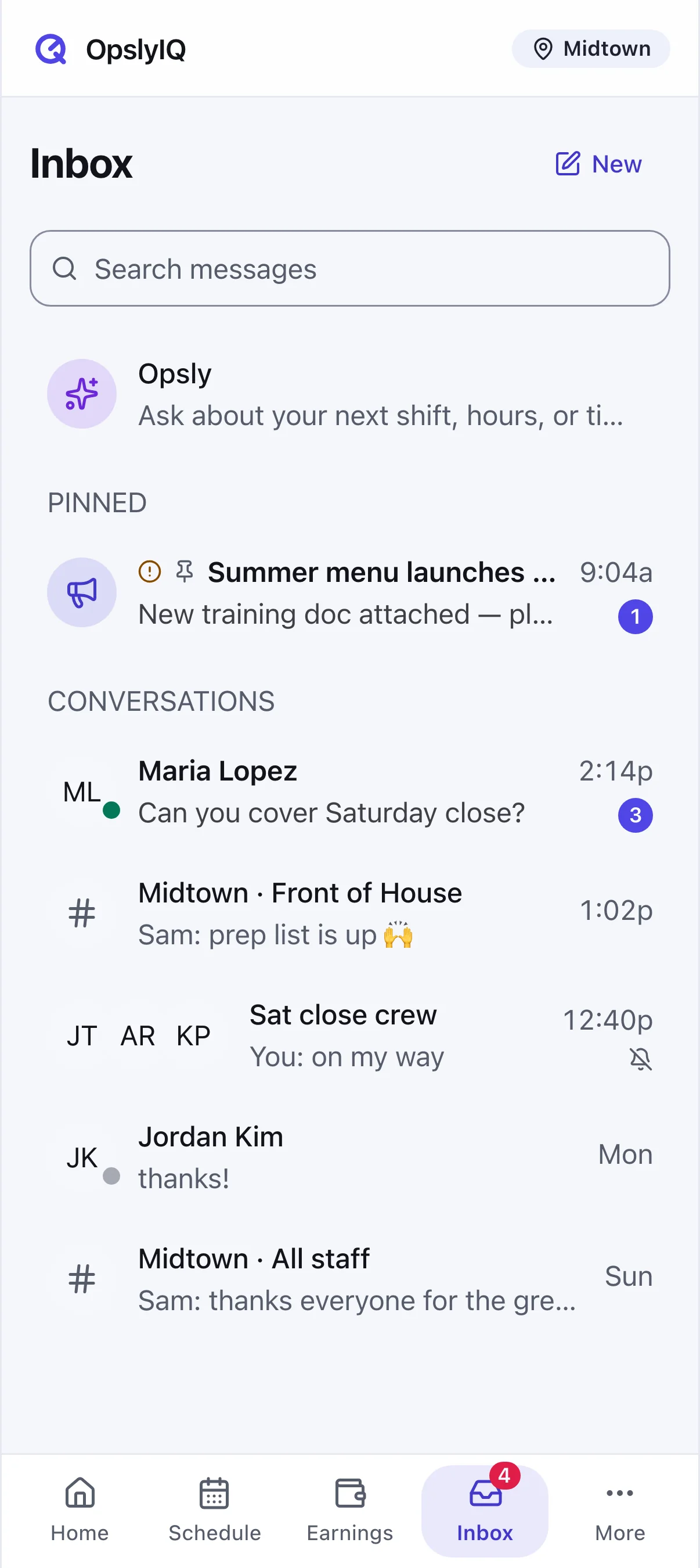
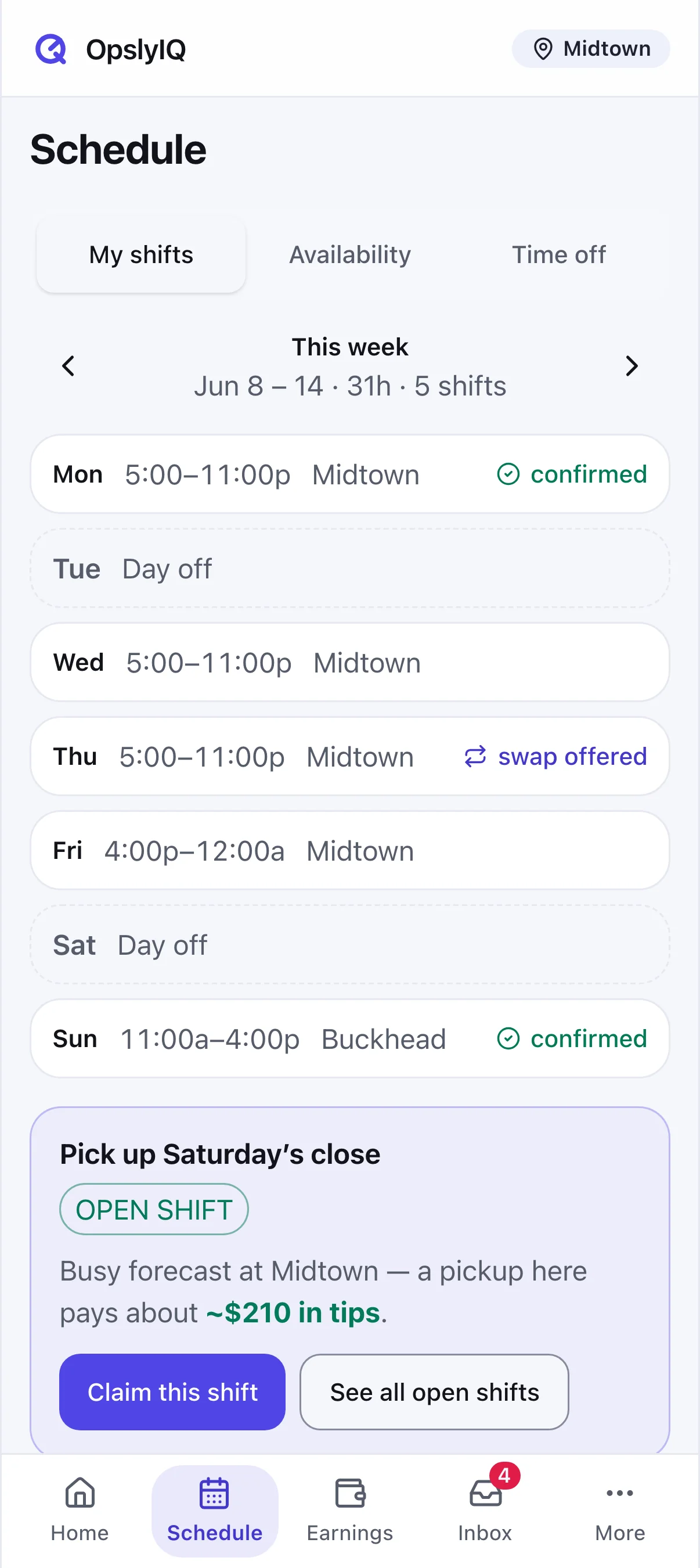
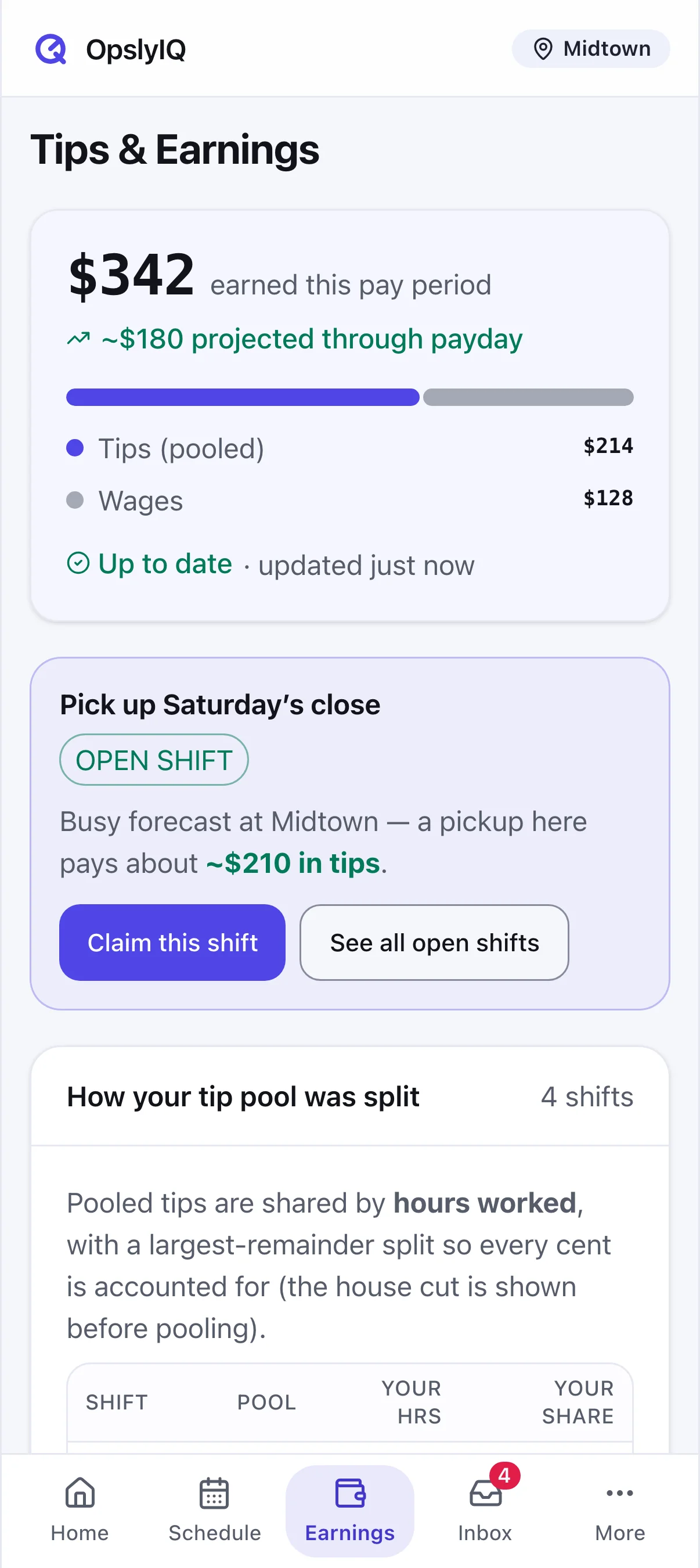
Clock in with a selfie and GPS, see the schedule, pick up shifts, and watch tips add up — the same unified data, in their pocket.
HomeInboxScheduleEarnings
The pitch is easy: show them the money.
Connect in 15 minutes, see yesterday's sales the same day, catch your first leak before month-end.